

Optimize the volume, dynamics and clarity of your audio files — tailored to virtually any music genre — simply by selecting from over 50 different genres or use our precise and unique 51-band equalizer. Get the best streaming quality for your AI-generated or self-created audio files for Spotify, Deezer, Amazon Music, Apple Music, and many others—and/or achieve CD-quality sound.
Upload your audio file, select the appropriate genre, and in just a few seconds you can hear the difference online. Use the [Auto compare] function to hear the difference between the new and your old audio file. Next, if needed, select the streaming service where you want to publish your audio, and you’ll receive not only your optimized audio but also additional files that you can upload directly to the streaming services.
Whether it’s your own studio recordings, podcasts, or AI-generated music—many digital productions sound flat, muffled, or lack clarity in the bass, midrange, vocal, or treble ranges. Audio-BOOSTER solves this problem. It’s not just about volume—you can adjust that with any volume control. It’s about true sonic aesthetics, transparency, and professional dynamics.
Screenshot: LIVE-Player
(This is what you will see after your upload)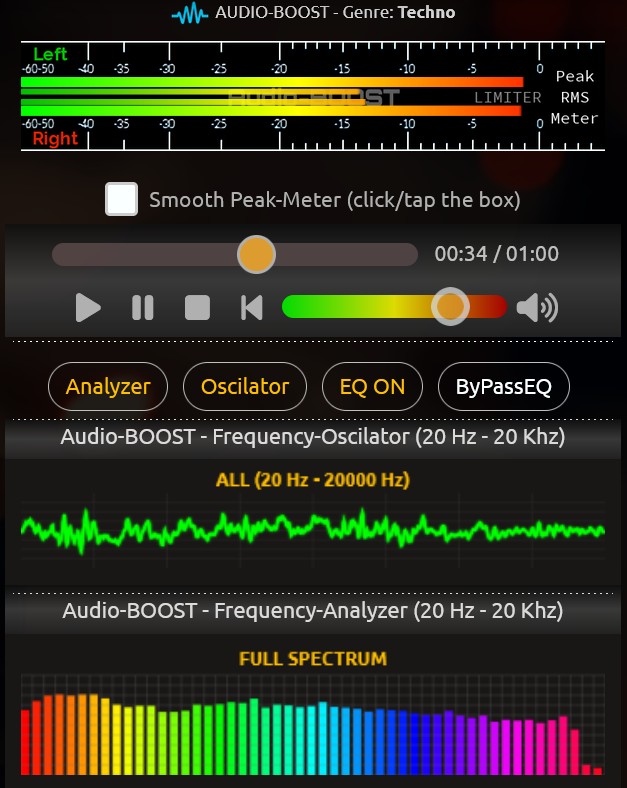
Why do AI-generated tracks or home recordings often sound muddy? AI often just layers sounds on top of each other without any finesse. It lacks the clean separation of frequency bands that a sound engineer would otherwise achieve in a studio. The result: a muddled, indistinct sound.
The solution: Our intelligent audio engine analyzes your track in real time across 54 discrete frequency bands. With the push of a button, we precisely tailor the sound to the typical frequency characteristics of your chosen music genre. From the rich, deep bass of a techno track to the prominent vocals of a pop production—we bring your audio up to the unwritten industry standard of -9.0 to -11 LUFS.
Screenshot: Genre Selection
(This is what you will see after your upload)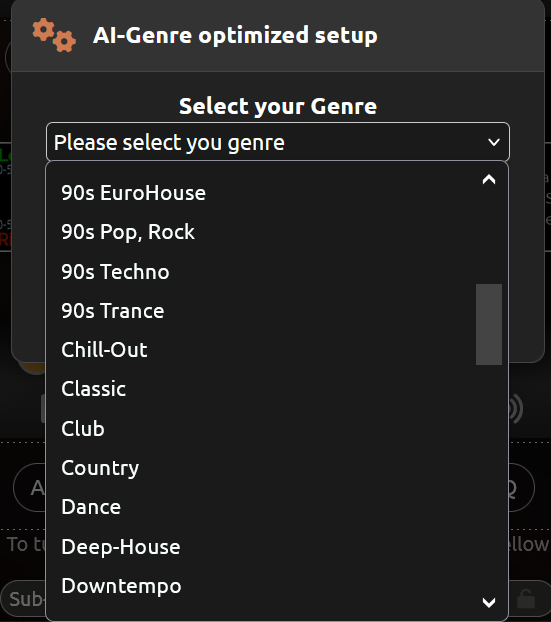
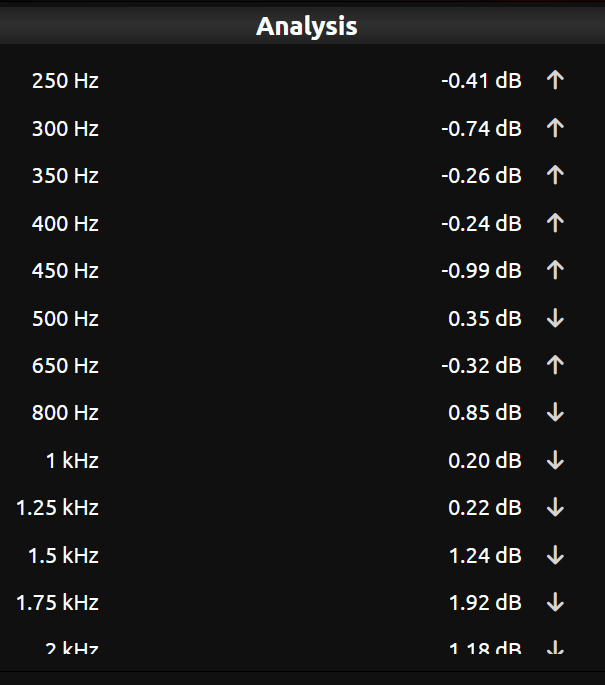
Our AI analyzes each audio file across 51 frequencies (see EQ in the FAQ section) and adjusts the individual frequency bands to the respective genre as and/or if needed—even if the differences are only subtle.
Screenshot: Audio file analysis
(This is what you will see after your upload)
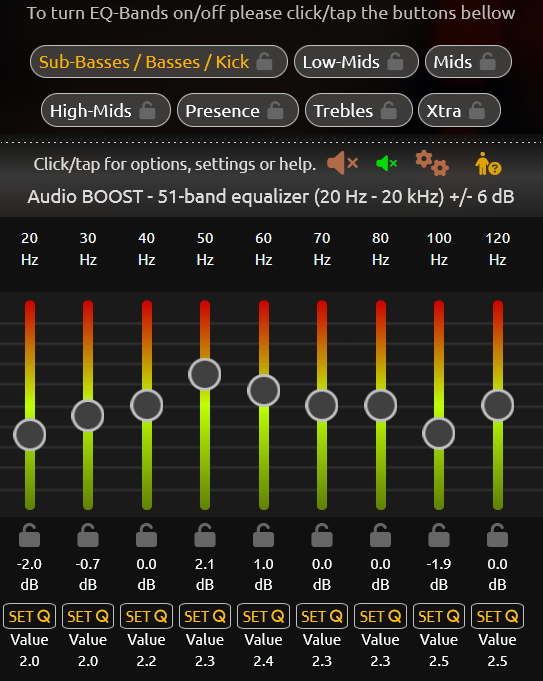
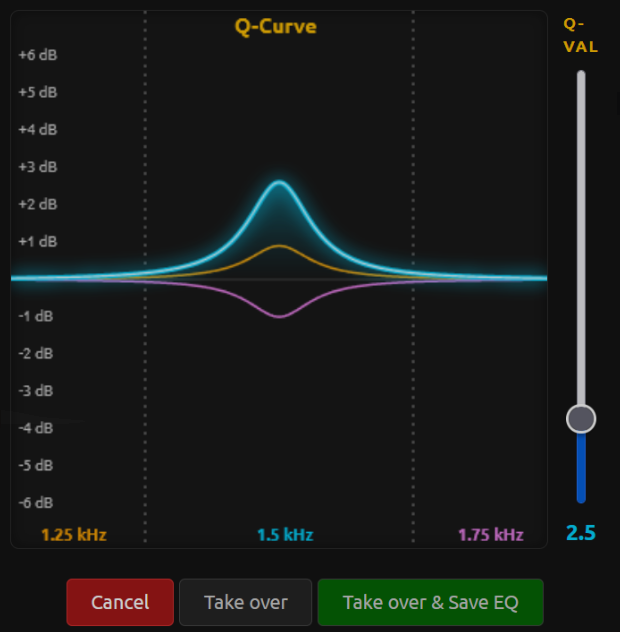
Want full control? Welcome to the professional studio. For producers and audio enthusiasts, we offer a tool unlike any other on the market: a high-precision 51-band equalizer with separate Q-factors for each individual band. Optimize LUFS and true peak values exactly to your specifications, while our built-in audio protection automatically safeguards you against digital clipping and distortion.
Screenshot: 51-Bands-LIVE-Eqalizer
(This is what you will see after your upload)
Screenshot: Fine adjusting using the Q-Curve in our 51-Bands-LIVE-Eqalizer for each EQ-Band
(This is what you will see after your upload (Producer Upgrade required))
For a detailed explanation of all features, we strongly recommend that you carefully review the FAQ section. There you’ll also find additional practical tips if you own your own music studio or work with a DAW. Or you should at least watch this short video.
To give you a first taste of the sound, we offer a demo section. It contains several free audio files.